


















How to build a pc

How to Build Your Own PC: A Beginner’s Guide
1. Understanding Your Needs
Before diving into the components, consider what you’ll use the PC for. Is it for gaming, content creation, or general productivity? Knowing your requirements will guide your part selection.
2. Selecting the Key Components
Here are the essential components you’ll need:
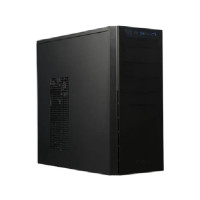
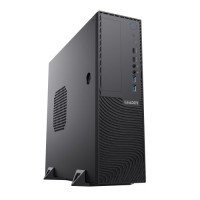
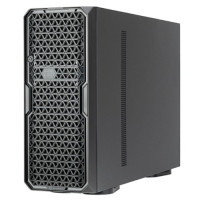
- Case: Choose a case that fits your desired form factor (size).
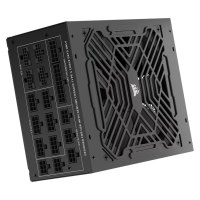
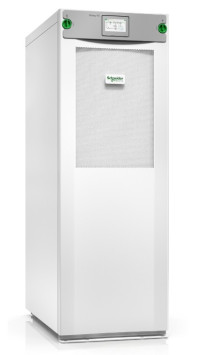
- Power Supply (PSU): Ensure it supplies enough stable power (around 500W is a good starting point).
- CPU: Decide between AMD and Intel processors. Match the CPU socket type with the motherboard.
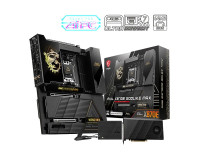
- Motherboard: Match the CPU socket type and consider features based on your preferences.
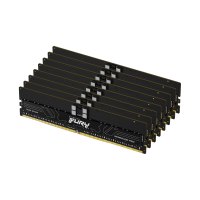
- RAM: Opt for faster frequencies and lower latencies (DDR4-3200 or DDR5-4800).
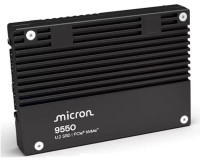
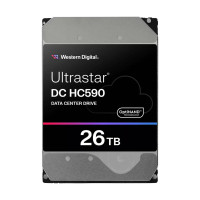
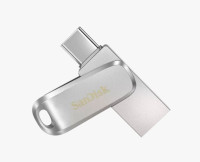
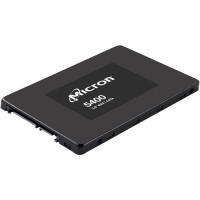
- Storage: An SSD for the OS is recommended.
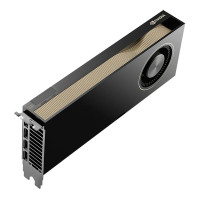
- GPU (optional): Necessary for gaming or intensive workloads.
3. Building Process
Follow these steps:
- Prepare Your Workspace: Clear a clean area and gather necessary tools (screwdriver, anti-static wrist strap).
- Mount the Motherboard: Install the CPU, RAM, and connect cables.
- Install the PSU: Connect power cables to the motherboard and components.
- Install Storage: Attach your SSD or HDD.
- Install the GPU: If needed, slot in your graphics card.
- Cable Management: Organize cables neatly.
- Test Boot: Power up your PC and check if it works.